
Chat gave AI a universal interface.
You can type a goal, speak a question, attach a file, and begin without learning a new application. That simplicity is a genuine product breakthrough. It should not be discarded.
But consider what happens when the request becomes a job.
A user asks an AI to make a mechanical bracket lighter. The AI studies the model, proposes a new rib, changes a material assumption, starts a stress simulation, rejects one result, and waits for the user to confirm a load case. Twenty minutes later, the important question is no longer, “What did the model say?”
It is: What is the state of the work?
Which geometry is current? Which constraints still apply? What is running? What needs approval? If a worker restarts, where should execution resume?
Those questions point to a different interface model.
The conversation should carry intent. The workbench should carry the work.
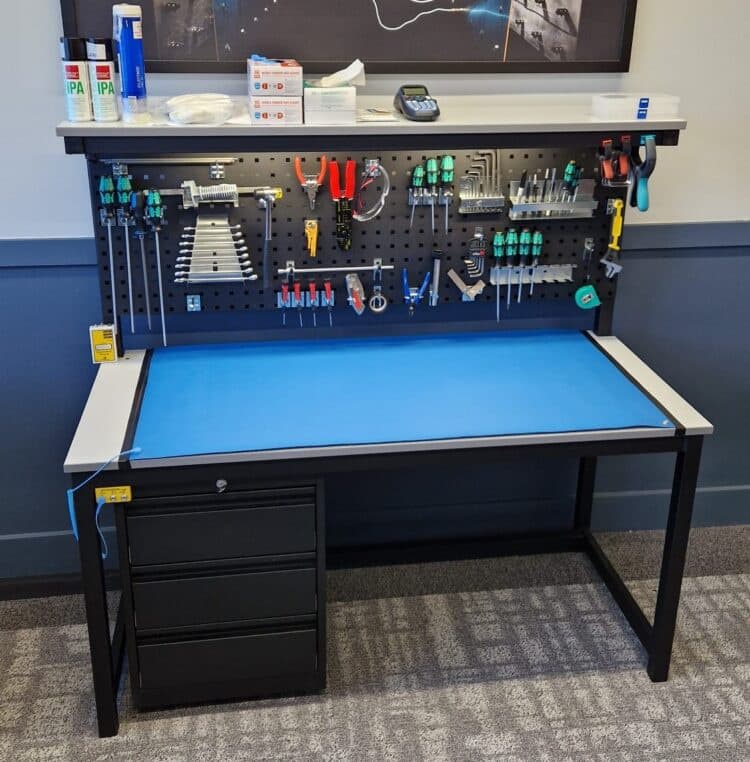
A workbench is a persistent environment where a person and an AI operate on the same objects. It gives the work a visible state, gives the plan a visible shape, and gives important changes a place to be previewed before they become real.
Chat and voice remain. They become the command channel of the product rather than the container for the entire product.
Chat is a doorway, not a workplace#
Chat works well when the answer is the product. A translation, explanation, or recommendation can live comfortably in a transcript because the output is small and mostly disposable.
Sustained work has a different shape. It contains objects, versions, dependencies, permissions, intermediate results, and actions that may take minutes or hours. It can fail halfway through. It may pause for a person and continue on another machine.
A transcript orders information by time. Professional work is usually organized by what exists now.
That mismatch forces the user to reconstruct state from messages: this answer replaced that answer; this instruction overrode an earlier one; this tool call probably finished; this version might be approved. The longer the work runs, the more the conversation behaves like a log pretending to be a workspace.
The problem is not that conversation is bad. The problem is asking conversation to own things it was not designed to represent.
Put the work object at the center#
The central object in an AI product should be the thing being changed: a document, repository, CAD model, dataset, workflow, investigation, simulation, or operating environment.
The conversation explains what the user wants. The work object records what currently exists.
| Concern | Chat-first | Workbench |
|---|---|---|
| Source of truth | The latest useful message | The current work object |
| Progress | Narrated or inferred | Explicit steps, status, and waiting conditions |
| Change | Generate another answer | Propose, preview, verify, then commit |
| Failure | Retry or reconstruct the request | Resume from recorded state |
| Approval | A question in the transcript | A recorded checkpoint with scope |
| History | Conversation chronology | Versions, events, decisions, and artifacts |
This shift changes the role of the AI. Instead of producing a sequence of answers, it works inside a shared world with addressable objects and explicit operations.
Products such as ChatGPT Canvas, Claude Artifacts, and Microsoft Copilot Pages show an early version of this idea by separating an editable artifact from the conversation. The separation looks modest, but it establishes a more useful rule: the artifact, not the transcript, is authoritative.
A workbench changes the interaction#
Return to the bracket.
The user selects the upper rib in the model and says:
Make this lighter, but keep the mounting points fixed and preserve a safety factor above 2.5.
The selection resolves what “this” means. The sentence supplies the goal and constraints. The workbench can now turn an ambiguous request into a visible sequence of work.
The user selects the upper rib in the model. The AI receives a semantic object reference, not only a screenshot or the word ‘this.’
The important change is the proposal step. The AI does not have to mutate the authoritative object as soon as it understands the request. It can show what it intends to do, what it expects to change, and what remains uncertain.
The user can correct the plan before compute is spent or state is changed. After execution begins, the same interface shows progress without asking the AI to narrate its own activity.
Language handles intent; the interface handles reference#
Natural language is good at goals and tradeoffs: “make this easier to manufacture,” “keep the tone calm,” “look for evidence against the conclusion,” or “prefer speed over cost.” These ideas are awkward to express through menus alone.
Language is less reliable at exact reference. Words such as “this,” “the earlier version,” or “that red section” become ambiguous as the work grows.
A strong AI interface combines language with direct manipulation. A person selects, highlights, draws, drags, or brushes over a real object. The system passes the AI a semantic reference whenever possible.
The user points to what. Language explains why. Typed tools determine how the action is performed.
This division of labor is more reliable than trying to compress the entire job into a perfect prompt.
The plan becomes a public object#
An AI often says, “I’ll inspect the files, run a comparison, and prepare a recommendation.” The sequence sounds reasonable, but it disappears into execution.
In a workbench, the plan is an editable object. The user can see which steps are complete, what is running, what is blocked, and where approval will be required. They can remove a step, add a constraint, change a budget, or inspect an intermediate result.
This visible plan is not the model’s private chain of thought. It is a public execution contract. It should describe:
- the inputs the system will use;
- the actions and tools it may invoke;
- the outputs it expects to produce;
- the limits that stop or pause the work;
- the points where human judgment is required.
Research systems such as Magentic-UI explore this mixed-initiative pattern through co-planning, shared execution, approval, and verification. HiLSVA applies related ideas to scientific visualization by combining language, direct manipulation, and stepwise provenance.
Human involvement is not a failure of autonomy. A good system makes it easy for the person and the AI to exchange control at the level where each is most useful.
Use a stable shell, not a regenerated app#
The center of a workbench should adapt to the domain. A designer needs a canvas. A programmer needs a repository and code view. A scientist may need a chart, notebook, or simulation. An operator may need a live system map.
The surrounding structure can remain stable.
Stable structure preserves navigation, accessibility, permissions, and muscle memory. The AI can still generate small controls inside that structure—a comparison panel, parameter form, review checklist, or simulation control—without rebuilding the entire application on every turn.
A constantly regenerated interface may look impressive in a short demo. In sustained use, it makes location and behavior unpredictable. Users should not have to relearn the product whenever the AI has a new idea.
Control should follow consequence#
Approval is not one binary setting.
A reversible wording suggestion can be applied with little ceremony. A change to a shared artifact should be previewed. An expensive simulation may require a budget confirmation. Sending a purchase order or modifying production data should require explicit authority and a durable record.
The interface should make these boundaries visible before the action occurs. It should also show the assumptions that determine the action.
In the bracket example, a generic confidence score is less useful than knowing that the AI assumed static loading, Aluminum 6061-T6, fixed mounting points, and a safety-factor threshold of 2.5. One missing load case matters more than a confident tone.
The goal is not to ask for approval before every action. That produces fatigue. The goal is to make control proportional to consequence.
The interface is only as durable as the runtime#
Once AI work lasts more than a few seconds, the interface is only half of the product.
The other half is the runtime that preserves state, executes tools, waits for approvals, retries failures, and resumes after interruption. Without that foundation, the workbench is a clear window into brittle behavior.
The user should not lose a long-running analysis because a browser refreshed. They should not wonder whether a tool call already ran or whether a side effect will repeat after a restart. A human pause should be a recorded workflow state, not an open tab someone is afraid to close.
This is the layer MirrorNeuron is designed to provide beneath the interface: explicit workflow state, events, retries, pauses, approvals, and recovery. The workbench makes that state understandable; the runtime makes it dependable.
Start with one complete loop#
A useful first workbench does not need to support every profession or every kind of object. It needs one real domain and one complete interaction loop.
Choose an authoritative object—a document, model, repository, or dataset—and make six things work well:
- select a meaningful part of the object;
- express a goal in ordinary language;
- inspect and edit the proposed plan;
- preview the change and its assumptions;
- follow execution and intervene at clear checkpoints;
- review a durable result and history afterward.
That is already a substantial product. More domains can reuse the surrounding model of objects, plans, proposals, approvals, operations, and history.
The workbench is a product model#
The workbench is not one fixed screen layout. It is a way of organizing mixed-initiative software.
It gives objects an address. It turns intent into structured work. It makes plans editable, alternatives comparable, consequences visible, and approvals durable. It lets execution continue when the conversation is no longer open.
Chat and voice remain essential because they are natural ways to express intent. They simply stop carrying the full burden of state.
Chat opened the door to AI. The workbench is where the work can stay.